
DakshScan — scan privately, on your phone.
A document scanner built for how India actually works — bills, forms, ration cards, notebooks and more, scanned to PDF/JPEG, cleaned up, OCR’d, compressed and organised, right on your phone. We don’t spy on you, track you or sell your data: everything stays on your device, with one optional cloud tool for pages that need extra straightening — and even that never stores a thing.
Get it on Google PlayWelcome to DakshScan
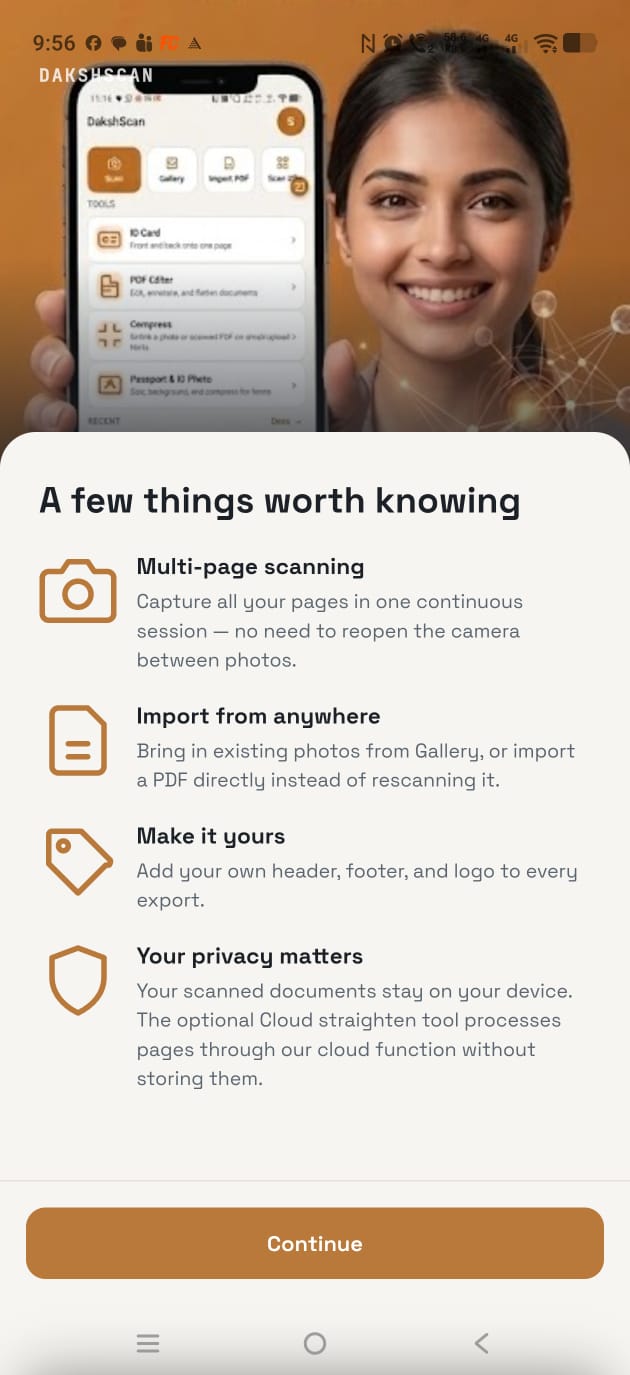
A quick look at what makes it different.
- Multi-page scanning in one continuous session
- Import from Gallery or an existing PDF
- Your own header, footer and logo on every export
Everything in one place
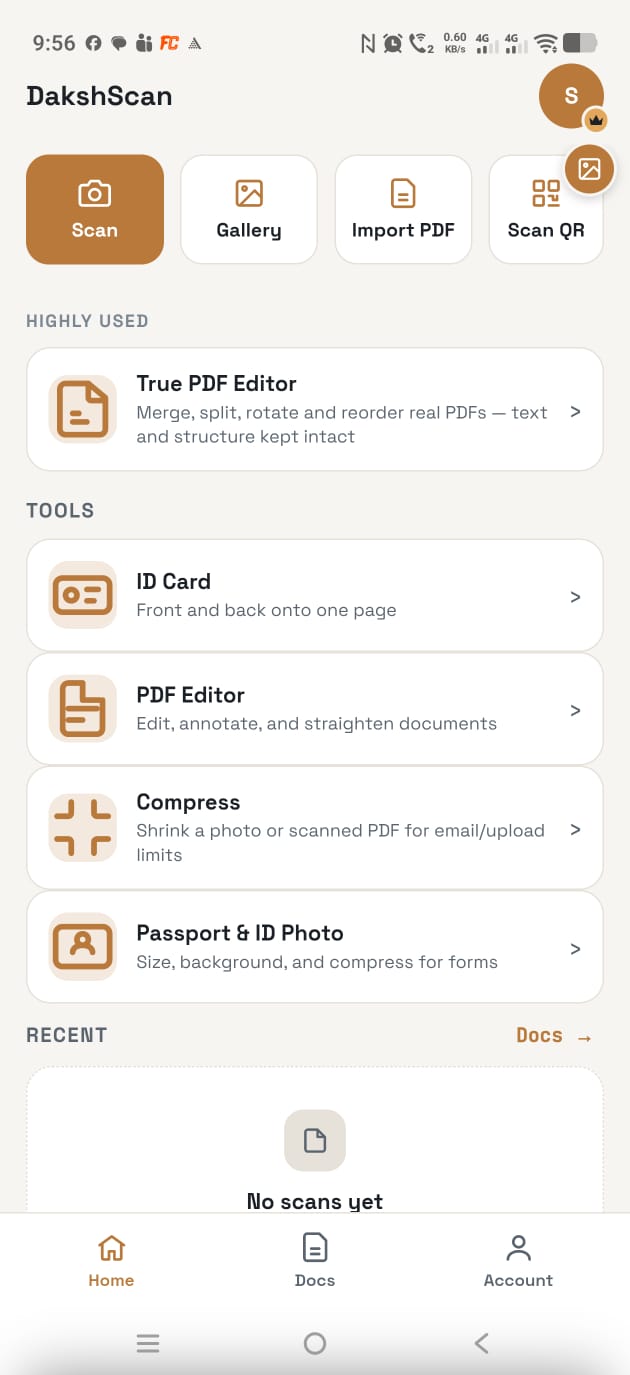
Every tool is one tap from the home screen.
- Scan, Gallery, Import PDF or Scan QR
- True PDF editing — text and structure kept intact
- ID cards, compression and passport photos
Smart capture
Capture every page without breaking your flow.
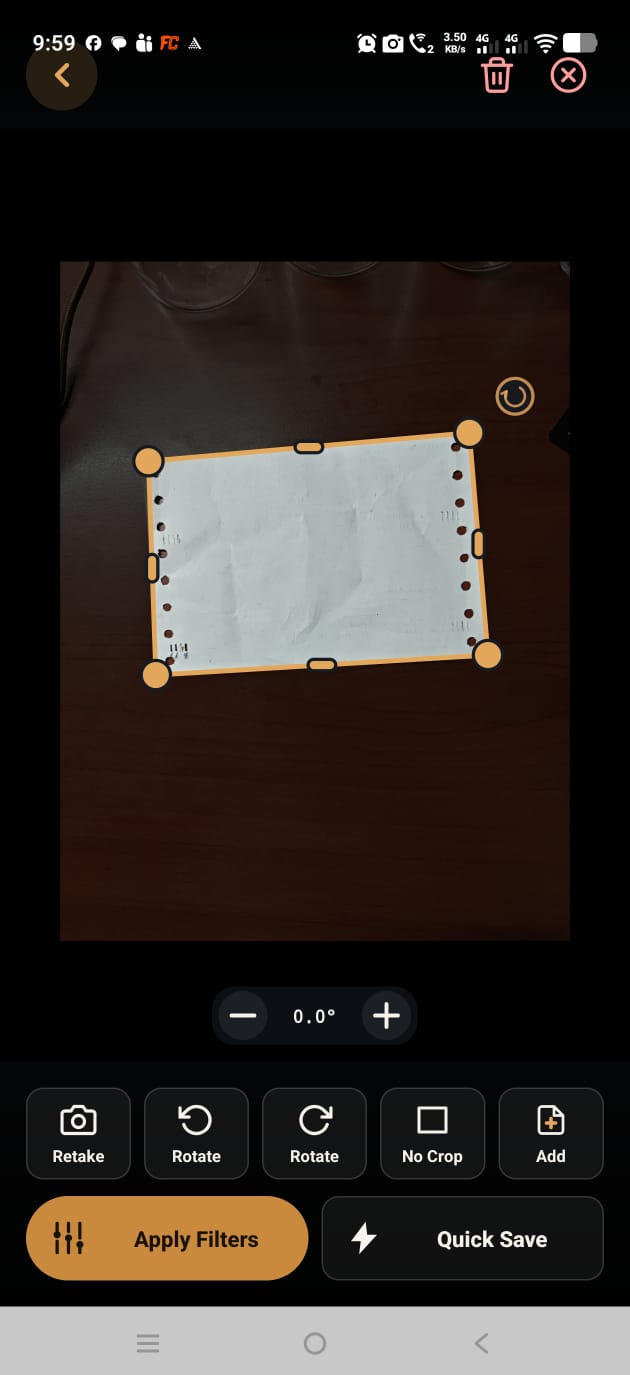
- Auto edge detection frames the page as you shoot
- Multi-page scanning in one continuous session
- No need to reopen the camera between pages
Clean up every page
From a quick auto-fix to full manual control.
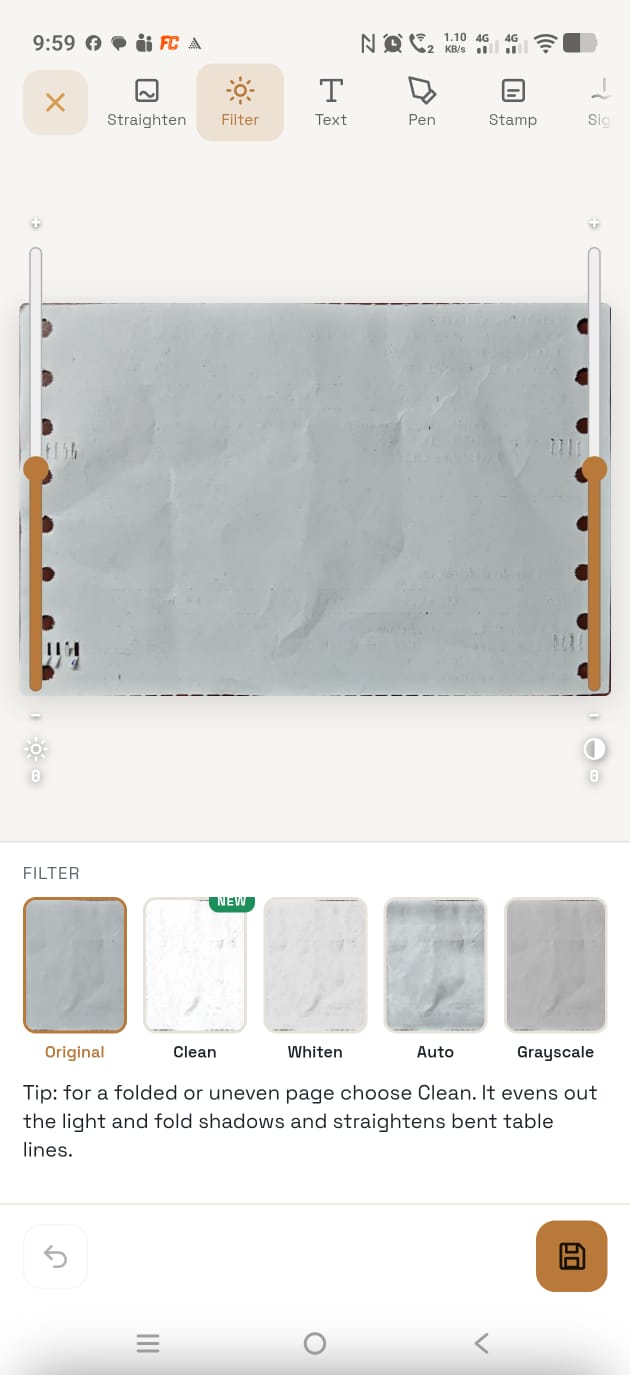
- Clean, Whiten, Auto or Grayscale filters
- Manual brightness and contrast
- On-device straighten, plus optional Cloud straighten for stubborn pages
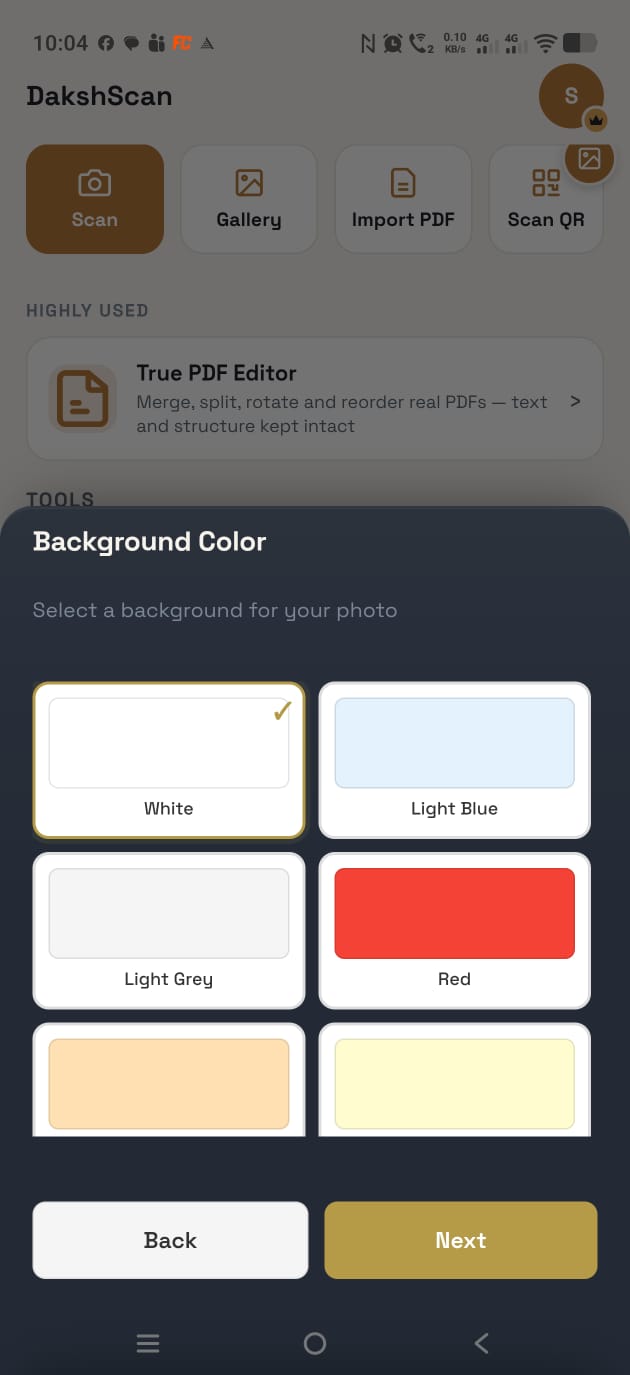
Passport & ID photos
Need a passport photo at the last minute? No need to rush to a photo studio.
- Pick a background colour
- Guided crop with an on-screen oval
- Sized and compressed for form uploads
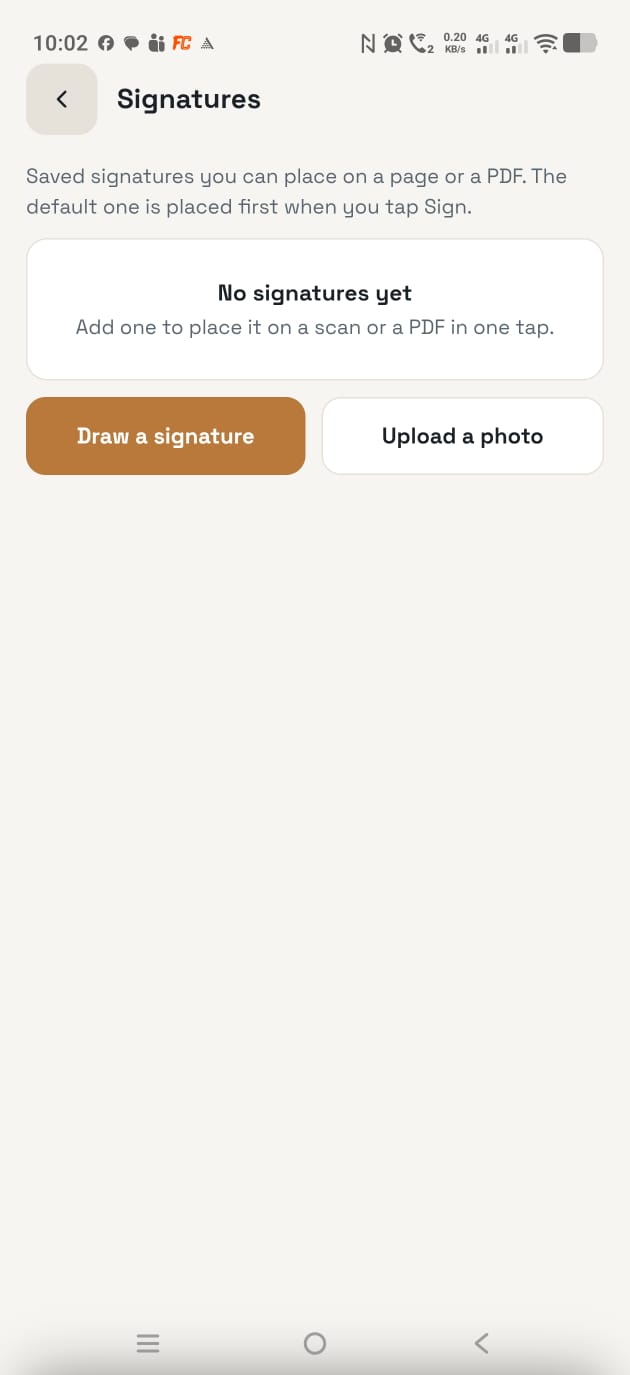
Save a signature
Sign documents without printing and scanning them.
- Draw a signature or upload a photo of one
- Saved for one-tap placement
- Works on any page or PDF
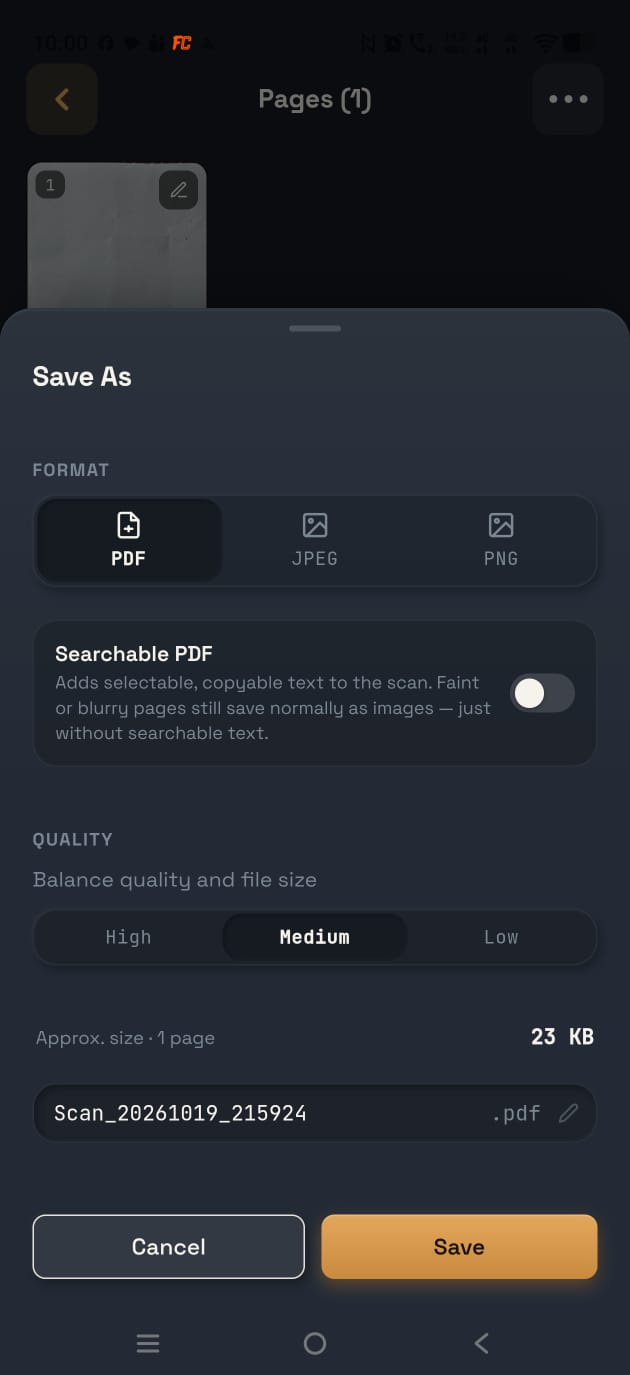
Export, your way
Pick the format and quality that fits.
- Save as PDF, JPEG or PNG
- Searchable PDF — real, selectable OCR text
- Quality level with a live file-size estimate
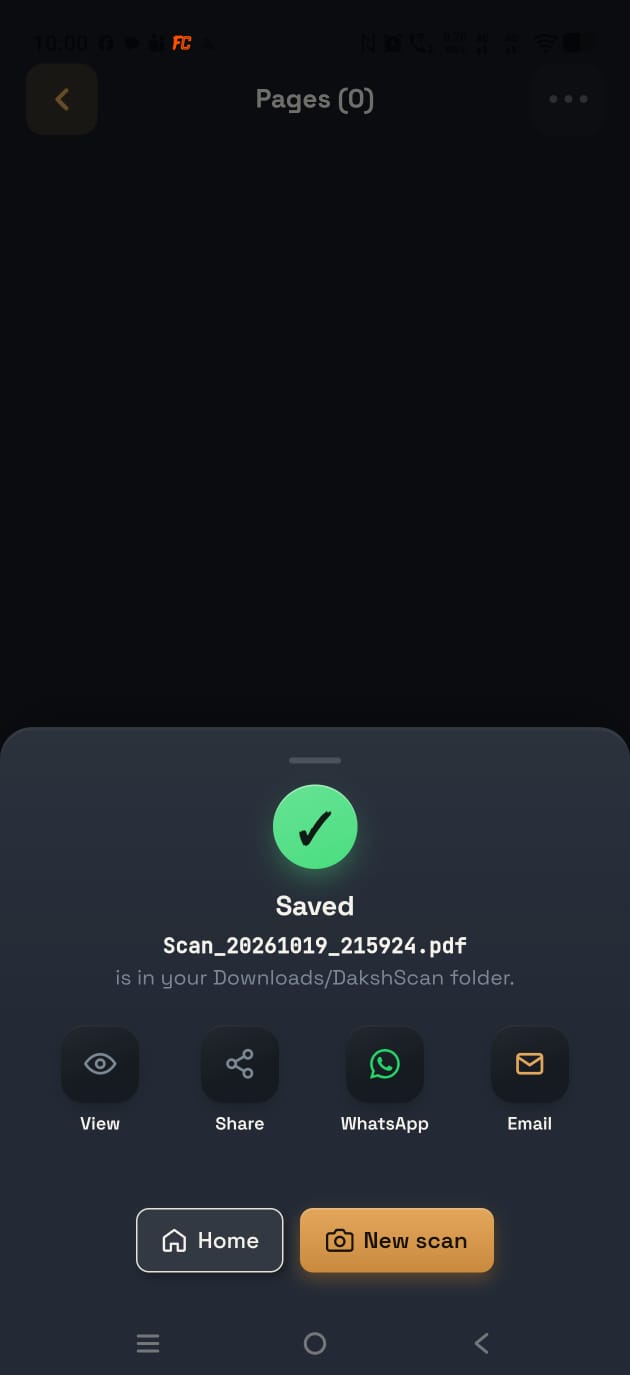
Share instantly
Straight from saving to sending.
- View, share, WhatsApp or email right away
- No extra app or step needed
- Every scan also stays in your Downloads/DakshScan folder
Did you know? Only the optional Cloud straighten tool ever touches our servers — and it discards the page immediately, never storing it.
Did you know? True PDF editing keeps your document’s real text and structure — so it’s still searchable and copyable after you merge, split or reorder pages, not flattened into pictures.
Did you know? The edge detector tracks the page live as you move the camera, so you can see exactly what will be captured before you tap the shutter.
Did you know? The Clean filter is built specifically for folded or uneven pages — it evens out lighting and fold shadows, and straightens bent table lines.
Did you know? You can pick the exact background colour a form asks for — white, light blue, light grey, red and more — before you even crop the photo.
Did you know? Once saved, your default signature is placed automatically the moment you tap Sign — no redrawing it every single time.
Did you know? Searchable PDF adds real, selectable text to your scan — so you can copy-paste from it or search inside it, not just look at a picture of it.
Did you know? Even after you share a scan elsewhere, a copy always stays in your Downloads/DakshScan folder — sharing never moves or deletes the original.
Quick Scan
Auto edge detection, point and shoot — done in seconds.
Compress
Shrink any file to fit email or upload limits.
Easy Share
Straight to WhatsApp, email or save, right after scanning.
True PDF Editor
Merge, split, rotate, reorder — real PDFs, not images.
Searchable Text, Not Images
Real selectable OCR text in every PDF.
Smart File Naming
Auto-dated names that adapt to the kind of bill.
Privacy First
Stays on your phone. We don’t spy, track or sell your data.
ID Card & Passport Photos
Front & back on one page, or a ready passport photo.
Your documents stay on your phone.
DakshScan works on your device. The one exception is the optional Cloud straighten tool for pages that need extra correction — it sends just that page to our cloud, which discards it immediately after processing. Everything else, including sharing, only happens if you choose to.
DakshScan questions
Quick answers about the scanner.
DakshScan
What is DakshScan?
A document scanner for Android. Scan to PDF or JPEG, crop, read text with OCR, and manage your documents.
Do my documents leave my phone?
Almost never. DakshScan works on your phone, and nothing leaves your device unless you choose to share it — the one exception is the optional Cloud straighten (flattening) tool for a page that needs extra correction, which processes that one page on our server and never saves it.
Do I need an internet connection?
No. Scanning, filters, OCR and PDF tools all run on your phone. The one exception is the optional Cloud straighten tool for pages that need extra correction — it sends just that page to our cloud, which discards it immediately after processing.
Which phones does it work on?
Android phones.
How do I get it?
It is live on Google Play — search for DakshScan or use the link below.Get DakshScan on Google Play →
Still have a question? Ask us →or request a call back
Have a query or suggestion?
Tell us what's working, what's not, or what you'd love to see next — we read every message.
Pune, India · support@dakshdigital.in